
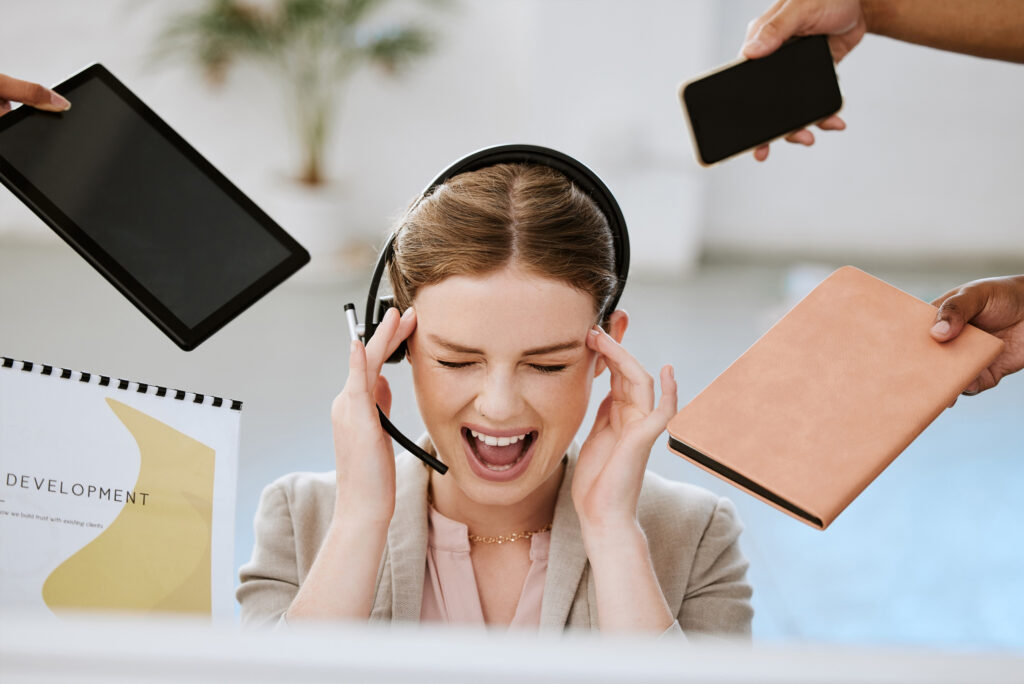
Do you ever look at your inbox and not want to open your email?
Do you wonder how many messages you’ve never answered because they ended up buried somewhere on the 20th page of your inbox? Does your inbox say there are hundreds, possibly thousands, of emails? When a new email comes in, are you stopping everything you’re doing to see who emailed you and what “emergency” you might need to respond to? You’re not alone – so many people have been or are right where you are. The first step is admitting you have a problem…and it’s up to you to determine how many messages in your inbox are too many. We promise we won’t judge. Even the best of us find we’ve lost control at some point.
Before we get started, we must dig into something else we all battle that has added to the pain of your email. Notifications.
Ding. Ping. Whistle. Notification are notification comes across your screen. And we check our phones up to 97 times an hour because of that and more. So, here’s our rule on that:
Stop!
We challenge you to turn off every single notification except those that might be the MOST URGENT – like your personal phone/text. And even these can be put on vibrate and checked when YOU decide to check them, not the second they come in. If you know anything about psychology, you know Pavlov’s dog and how he was trained to come to his bow when a bell rang. WE HAVE BECOME PAVLOV’S DOG. We must untrain ourselves.
Notifications are truly distracting and studies show that it takes us time to recover from being distracted – in fact, recovering can take as long as 20 minutes an hour, ⅓ of your time! Let’s say that again – ONE THIRD of your time is spent recovering from interruption. What would you do with 10 extra hours a week? That’s about what ⅓ of your time adds up to. The solution is to not let distraction and interruption occur in the first place.
Instead, be intentional and have a plan for when you check for messages/emails/social media/etc. Set aside time to check and then get back to your other priorities. WE suggest two to three times a day on email and once on social media. Check messages and texts at intervals YOU CHOOSE throughout the day.
Trust us, this will really change how you approach your day and how much you get done – less is more when it comes to notifications.
Now that we’ve dealt with all the distractions, we can look at your inbox. How many messages do you have in there? How many require action? Do you have a clear visual way to identify the action items?

Typically, there are two types of email handling personas: The Piler and The Filer. Which do you identify more closely with?
 Which are you? Which is better? What does it matter?
Microsoft did a study on findability…because that’s the point of saving our messages, right? Being able to find a message when you need it. Who do you think had a better findability ranking – Pilers or Filers?
In fact, it’s the Pilers who had a better findability ranking, but not by much. There was no major difference between the two. So it doesn’t matter which approach you use, as long as it works for you!
Funny enough, it appears that people in an interpersonal relationship often have opposite ways of managing their emails and notifications – and it can drive the other CRAZY. If you focus instead on the goal – getting things done and findability of the messages, versus HOW they do it, you can maybe let this frustration go.
No matter your approach, a crowded inbox can be difficult to manage. If you’re continuing to scroll through your messages to figure out what to do next, or where that information is that you’re looking for in your inbox, you’re wasting valuable time.
When we help people manage their inbox overwhelm, we have a 3-phase approach: Get Clean, Get Organized and Get Started.

The truth is that we all need help organizing something. The inbox is one that we’ve found many people struggle with. Not only does it suck time from your day, it also is overwhelming just to look at and not know what to do. Time blocking and controlling that calendar are another story altogether that you can put into practice to help you be more productive, but for now, we suggest starting somewhere! How about turning off your notifications, and deciding where in the organizational quadrants you can put your emails. Good luck in your journey to high productivity and an inbox that gives you peace. We’re here to help you on your journey and cheer you on!
For more from Jennifer and Julie, be sure to check us out on our social channels!

Jennifer Buchholz
Trainer, Consultant & Expert
Optimizing Remote Worker Experiences in Organizations using Microsoft Office, M365 & Teams Adoption and Training, Zoom Virtual Event Consultant and Manager. I work with large corporations, small to midsize businesses, and non-profits. The people who typically reach out to me for help are human resource managers, learning and development managers, and people in charge of sales, finance, IT and marketing departments.

Julie Miller Davis
Productivity Coach
Julie Miller Davis is a driven entrepreneur who serves others by helping them reach their own levels of excellence. She works with business owners and leaders to get them laser-focused and efficient at conducting their daily business and working through their current roadblocks.